★★★★★ · App Store
Save anything.
Save from any app. AI organizes everything. Find anything in seconds.
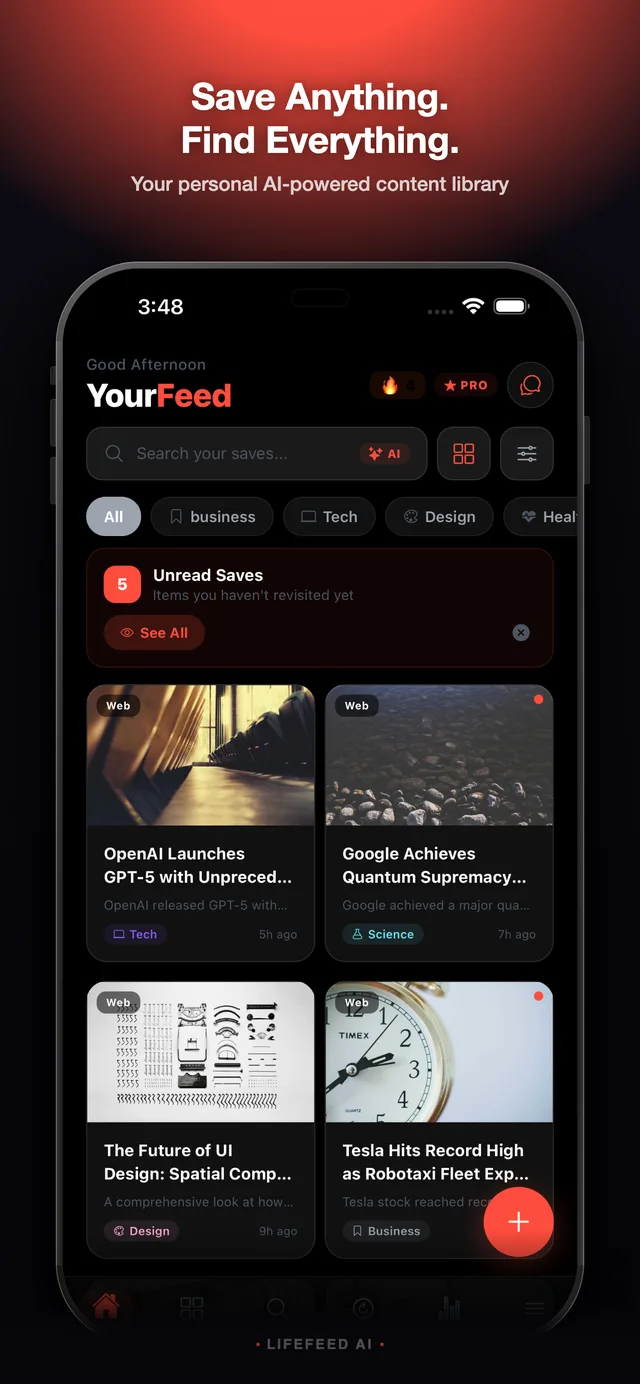
Save from any app. AI organizes everything. Find anything in seconds.
Save links, images, and PDFs from any app with just one tap. No copy-paste needed.
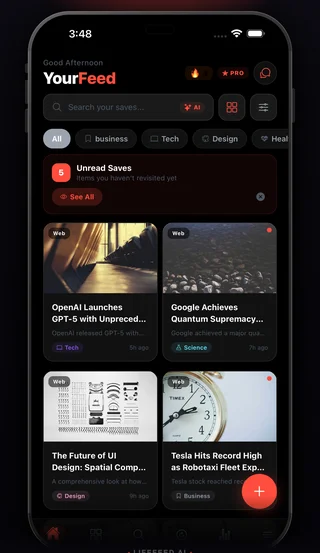
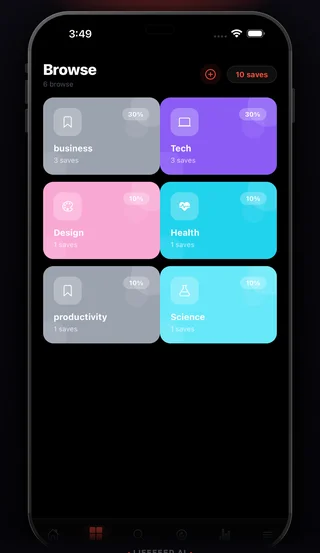
Automatic categories, summaries, and smart tags. No manual organizing needed.
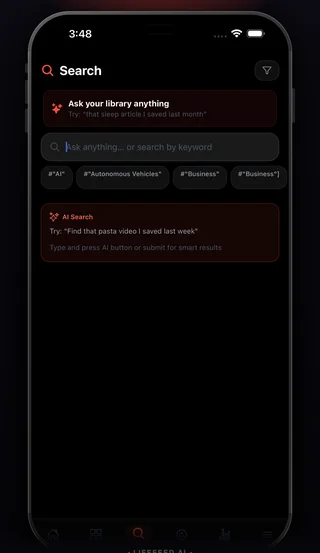
Find anything instantly with keyword search, AI search, advanced filters, and category filters.
Get a personalized AI summary of everything you saved this week, organized by theme.
Monitor any website for changes — currency rates, stock prices, crypto, event dates, product availability. AI extracts exactly what you care about and sends a push notification the moment it changes.
From discovery to your personal library in seconds.
See something great? Tap Share and choose LifeFeed. We save it instantly.
AI categorizes, summarizes, and tags your content automatically.
Search, browse by category, or get smart reminders. Always at your fingertips.
AI organizes everything into the right place.
Everything you need to know about LifeFeed AI
LifeFeed AI is built exactly for this. You can save articles, YouTube videos, TikToks, tweets, newsletters, and links from any app using the share sheet — in one tap. AI automatically tags and organizes everything so you can find it later.
When you save something, LifeFeed AI reads the content and automatically assigns categories like Tech, Health, Travel, or Cooking — no manual tagging needed. It also generates a short AI summary so you always know what a save is about before re-reading it.
Tap the share button in any app — Safari, Chrome, YouTube, Instagram, Twitter, Reddit — then select LifeFeed AI from the share sheet. The content is saved instantly. You can also use the LifeFeed browser extension on Safari and Chrome for desktop.
Yes — that's the core of what LifeFeed does. Unlike bookmarking tools that dump everything in a flat list, LifeFeed AI groups your saves into smart collections by topic, lets you search by keyword or AI summary, and reminds you to revisit things you've been meaning to read.
LifeFeed AI is free to download. The free plan includes unlimited saves, 3 AI summaries a day, 3 questions to Savvy and 1 website watcher. Pro unlocks unlimited AI and Savvy, the Daily Brief, up to 5 watchers, Listen, highlights, offline reading and cloud sync — monthly or yearly, with a 7-day free trial.
Yes — LifeFeed AI is one of the best Pocket alternatives available. Unlike Pocket, LifeFeed uses AI to automatically categorize and summarize every save, supports 12 languages including Arabic and Urdu, and works across iOS, Android, Mac, Safari, and Chrome. If you're looking for a Pocket replacement after its shutdown, LifeFeed is a natural upgrade. Learn how LifeFeed compares to Pocket →
Yes. LifeFeed AI is available in 12 languages: English, Arabic, Spanish, French, German, Italian, Portuguese, Turkish, Korean, Japanese, Chinese, and Urdu. The app fully supports right-to-left (RTL) layout for Arabic and Urdu — including the feed, categories, and AI summaries. It's one of the only save-for-later apps built from the ground up for multilingual users.
Raindrop.io is a great bookmark manager, but it's primarily a manual tool — you tag and organize everything yourself. LifeFeed AI does the organizing automatically: AI reads your saved content, assigns categories, generates summaries, and surfaces reminders. LifeFeed also has a native mobile app with a share extension, offline reading, and an AI chat to search your library by question. See the full comparison →
Join thousands who never lose a great find. Free to download.